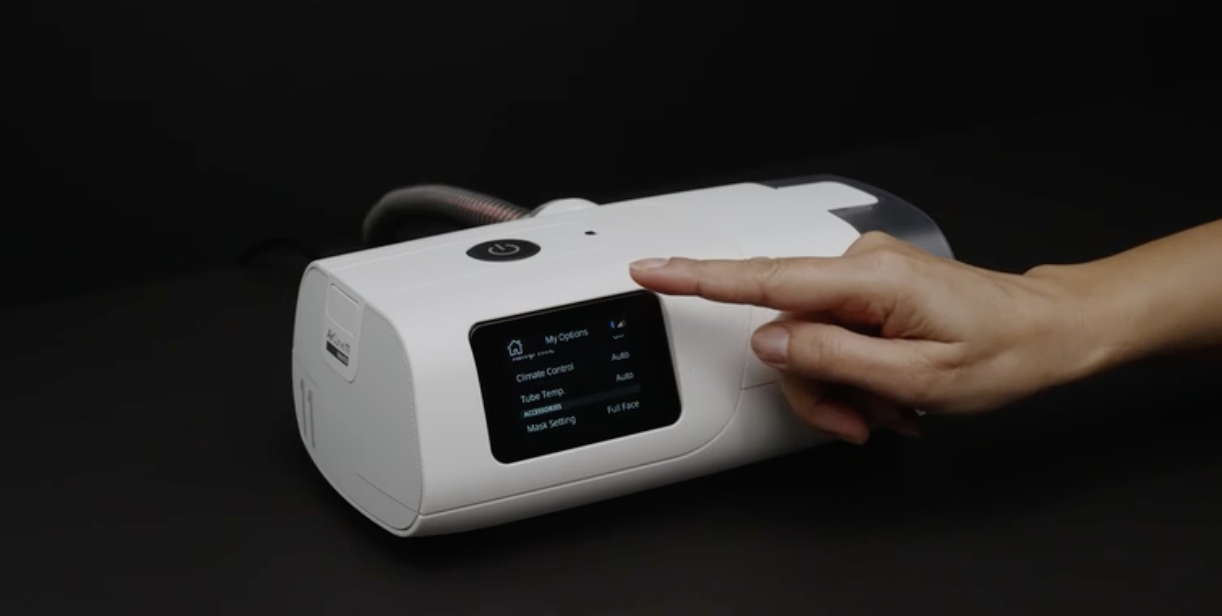
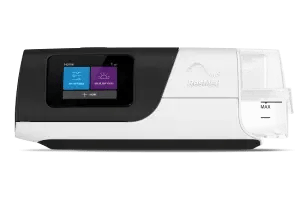
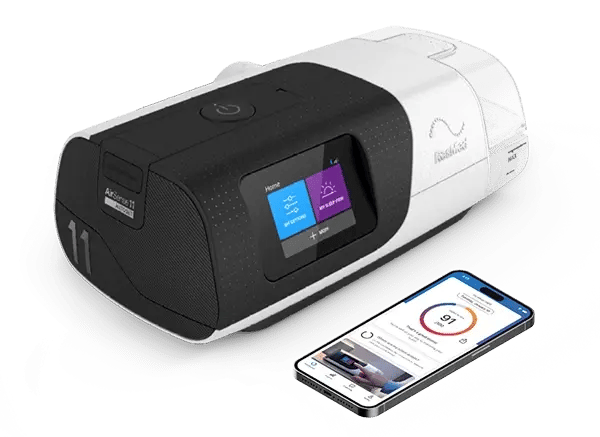


Resmed AirCurve™ 11 toolkit

AirCurve 11 ASV*

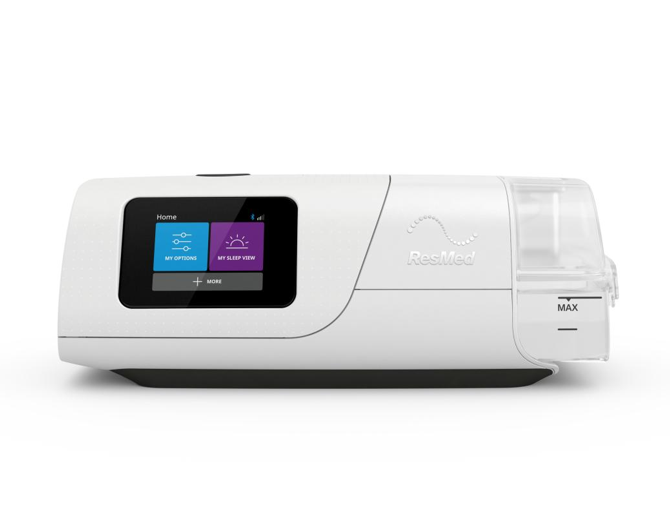
Adaptive servo-ventilation bilevel device

Delivers adaptive pressure support designed to stabilise breathing and personalise therapy for patients with central sleep apnea (CSA), obstructive and mixed apneas, or periodic breathing.


ALWAYS READ THE LABEL AND FOLLOW THE INSTRUCTIONS FOR USE. You or your customers should speak to their doctor about symptoms and whether a CPAP device is suitable.
*ASV therapy is contraindicated in patients with chronic, symptomatic heart failure (NYHA 2−4) with reduced left ventricular ejection fraction (LVEF ≤ 45%) and moderate to severe predominant central sleep apnea.
Aircurve-11-asv

Bilevel therapy, redefined

Bilevel therapy delivers two levels of pressure — inspiratory (IPAP) and expiratory (EPAP) — for patients who need additional pressure support. AirCurve™ 11 brings a new era of bilevel therapy with the Air11™ connected ecosystem and features to simplify therapy and support more personalised care for patients with complex needs.

1
1
Personal Therapy Assistant
AC11 1255x1168 Personal Therapy Assistant

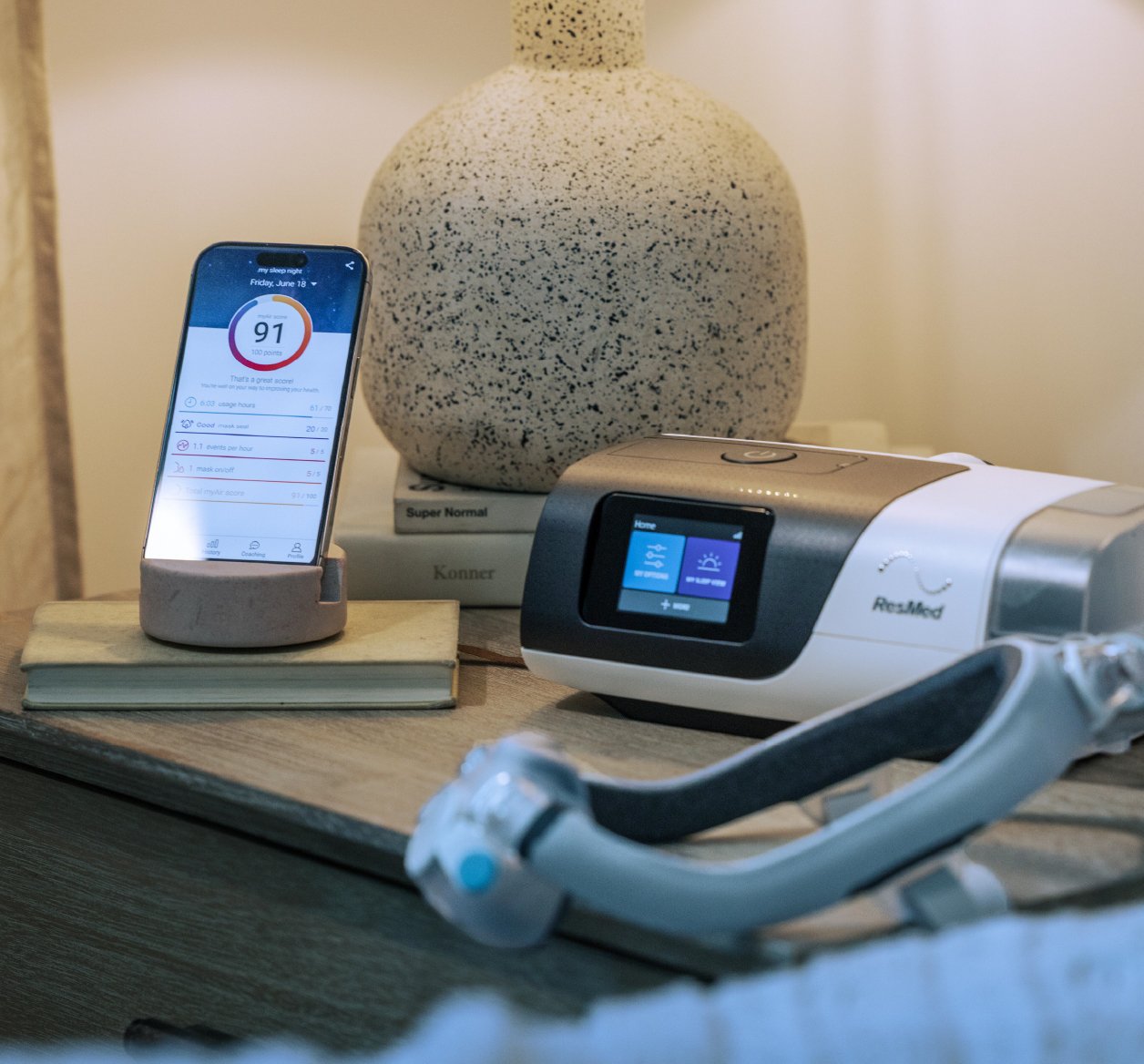
Featured in the Resmed myAirTM† patient engagement app, Personal Therapy Assistant helps users start therapy with confidence through interactive, voice-guided video setup instructions and Test Drive, our acclimation tool.

†myAir requires cellular connectivity.

2
2
Care Check-In
AC11 1255x1168 Care Check-In

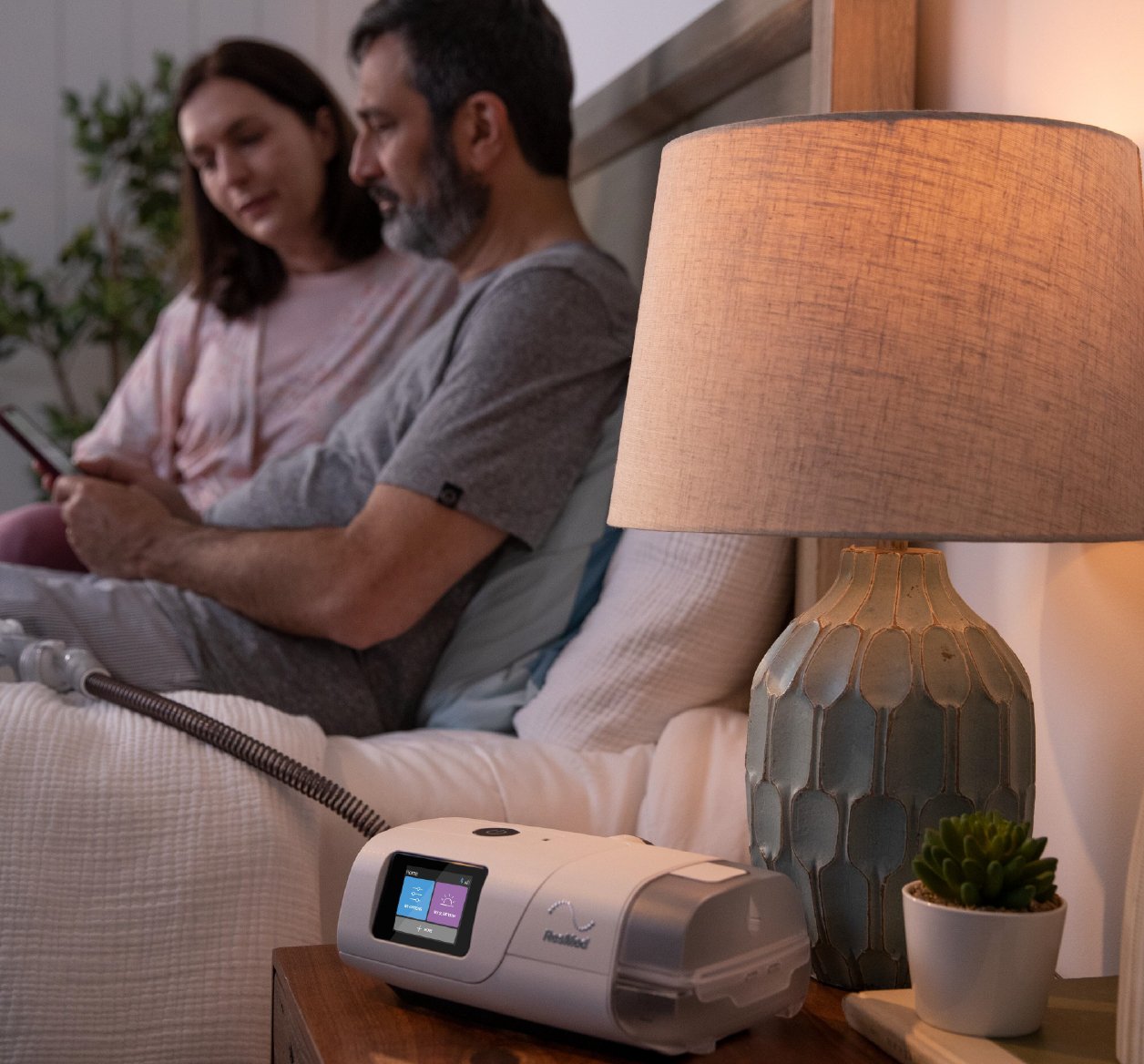
Is a built-in coaching program that encourages users to regularly self report on therapy progress, and provides you with access to subjective user insights via AirViewTM.*

3
3
Over-the-Air updates
AC11 1255x1168 Over-the-air-updates

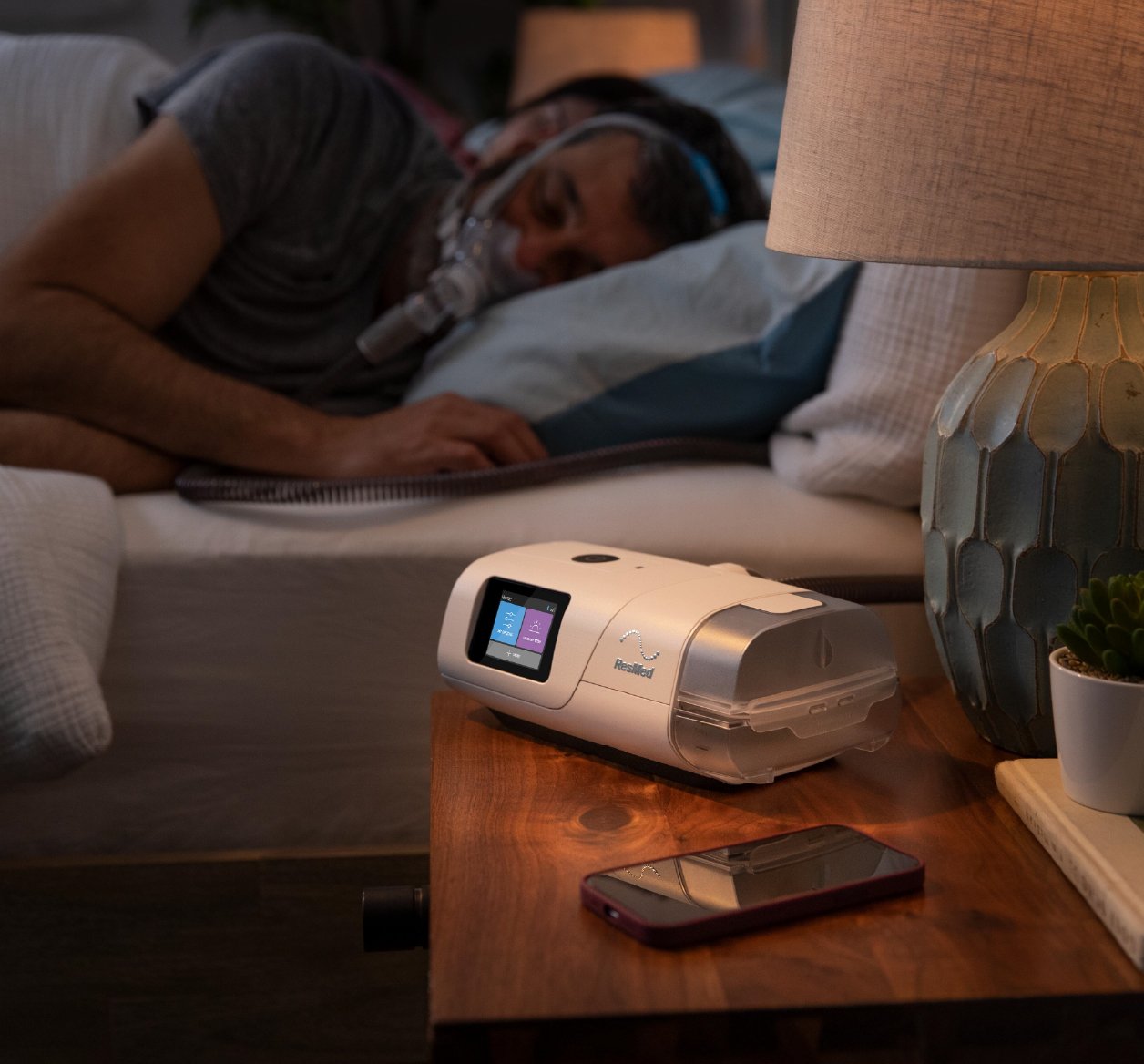
Uses cellular technology‡ to deliver the latest software updates automatically to AirCurve 11, so users can benefit from future Resmed technology.

‡Cellular connectivity depends on network availability.

4
4
Bluetooth connectivity
AC11 1255x1168 Bluetooth connectivity

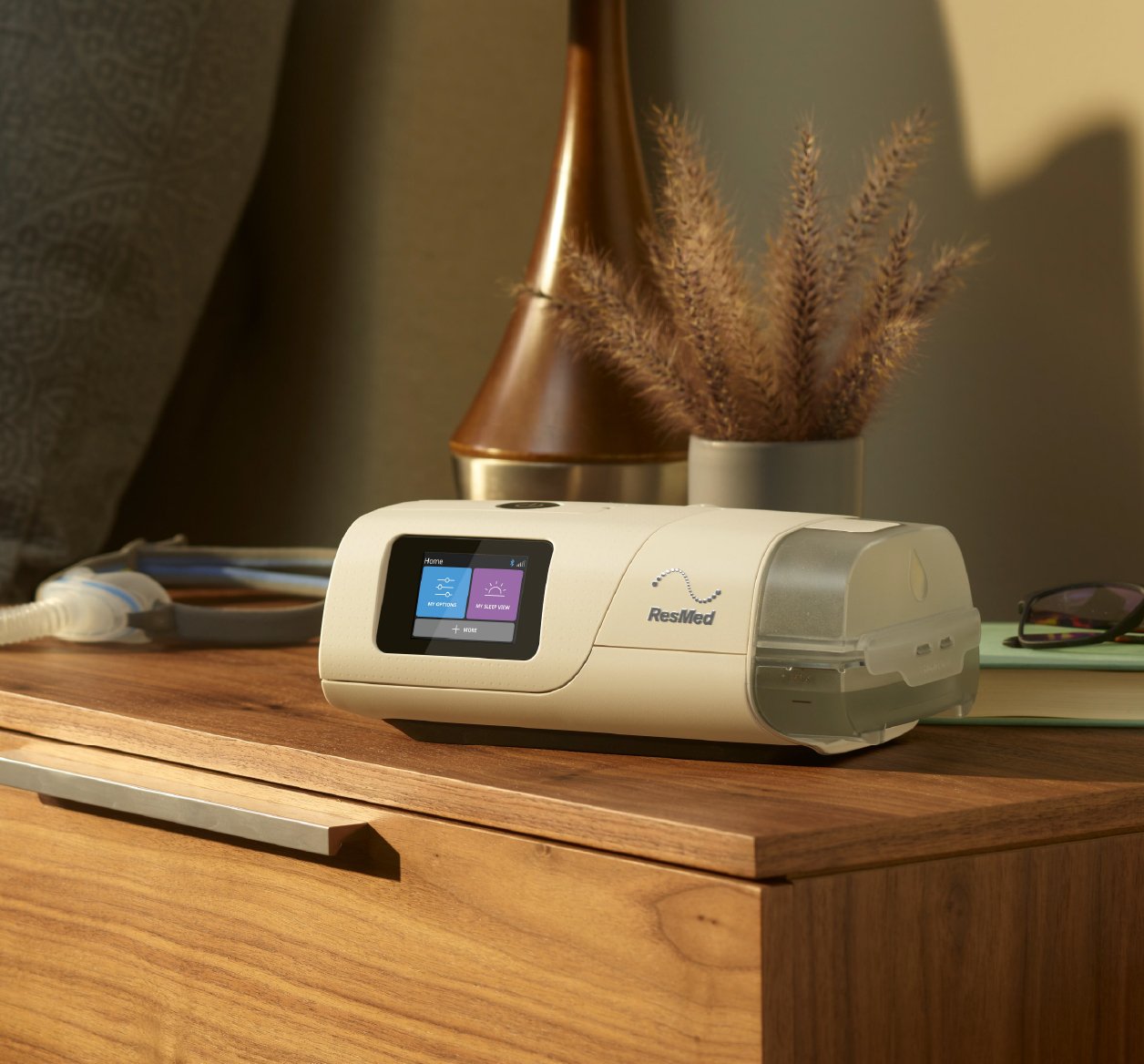
Bluetooth connectivity to myAir assists with device setup for a more interactive therapy experience.

AC11 1255x1168 Personal Therapy Assistant
AC11 1255x1168 Care Check-In
AC11 1255x1168 Over-the-air-updates
AC11 1255x1168 Bluetooth connectivity

Product and marketing resources

Product codes and specifications
Product Code Description GTIN ARTG ID Unit Dimensions
(in mm)
Unit Weight Shipper Country of Manufacturing
39109 AirCurve 11 ASV ANZ TRI 619498391097 236085 Device:
259.4 x 94.5 x 138.5

Packaged:
371 x 287 x 113
Device:
1.229 kg
(with humidifier tub)

Packaged:
2.3 kg
Quantity:
up to 5 devices

Dimension (in mm):
580 x 382 x 305

Volume:
0.0135 m3
Australia
Marketing materials

A range of B2B and B2C marketing materials is available to support you in engaging with your patients and promoting AirCurve 11. Assets are available in digital format, with a selection also offered in print.

B2B

B2C


The Resmed marketing hub is available to Resmed Authorised Dealers (RAD) only. Please contact your Resmed account manager to arrange login access. 

Assets on the Resmed marketing hub will be available from 20 May 2026 onwards.

Helpful resources

AirCurve 11 User Guide
AirCurve 11 Clinical Guide
Mask/Device Compatibility Guide

Support videos

Share these with your patients and your team to support fitting, cleaning and therapy adherence.
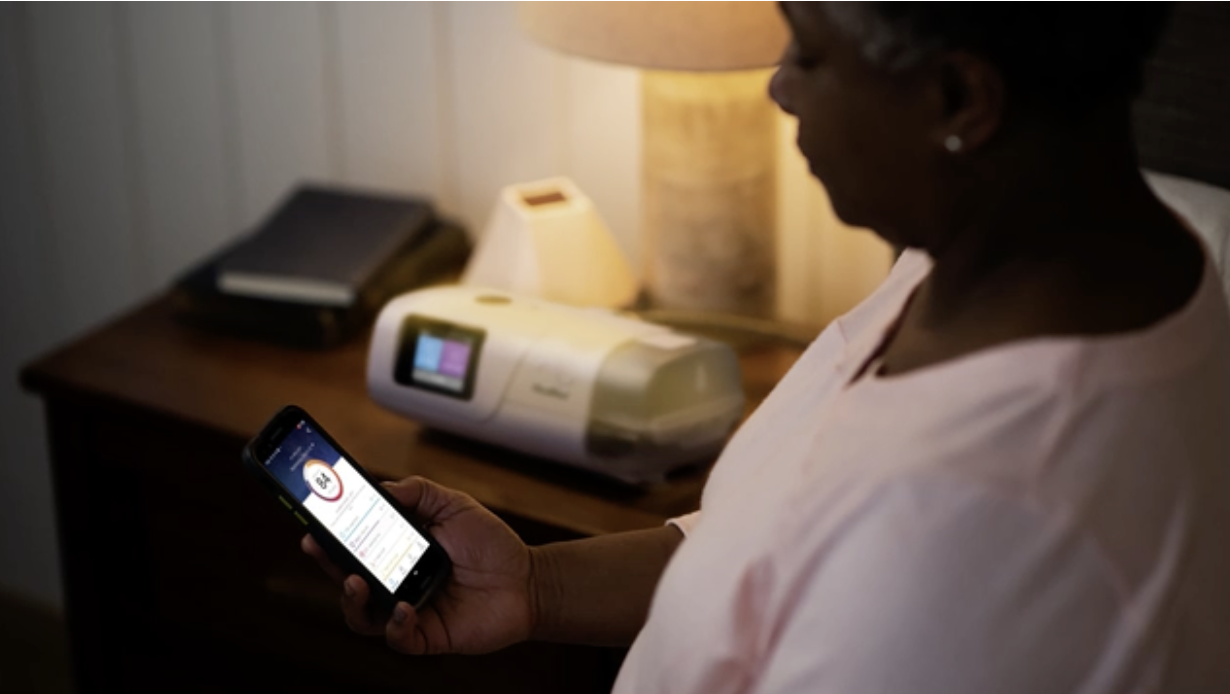
bilevel device overview
Bilevel device overview:
How to use your machine
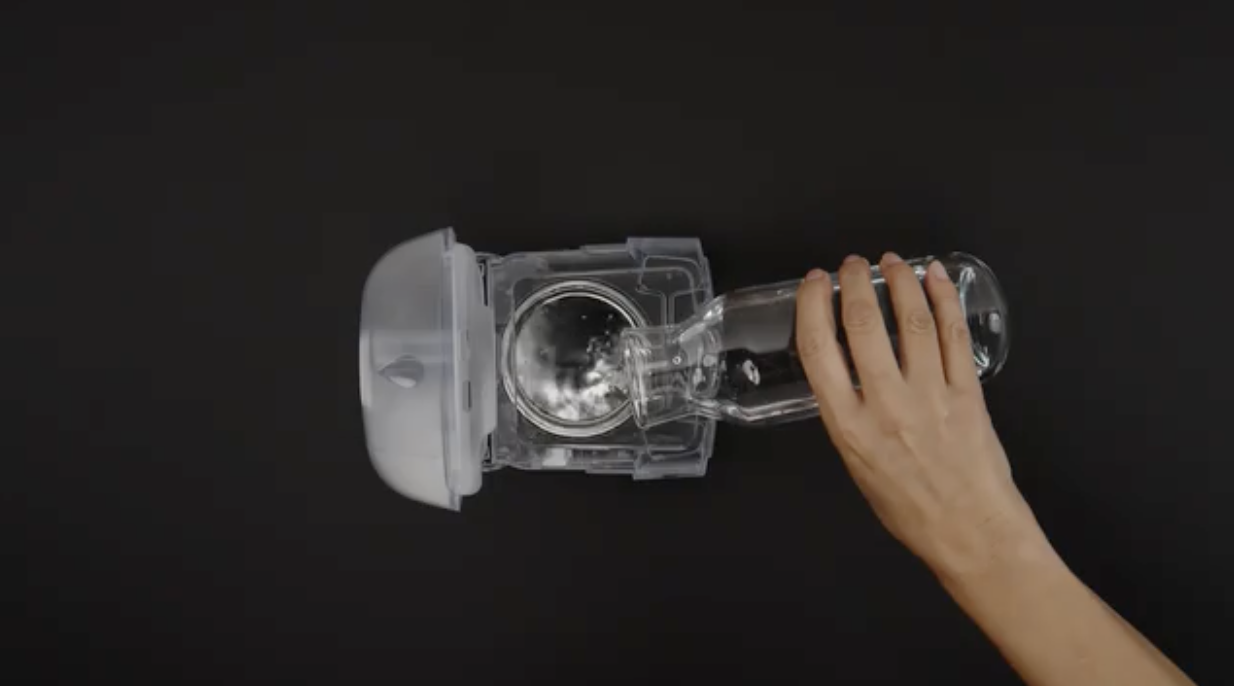
Enjoy comfort with heated humidification
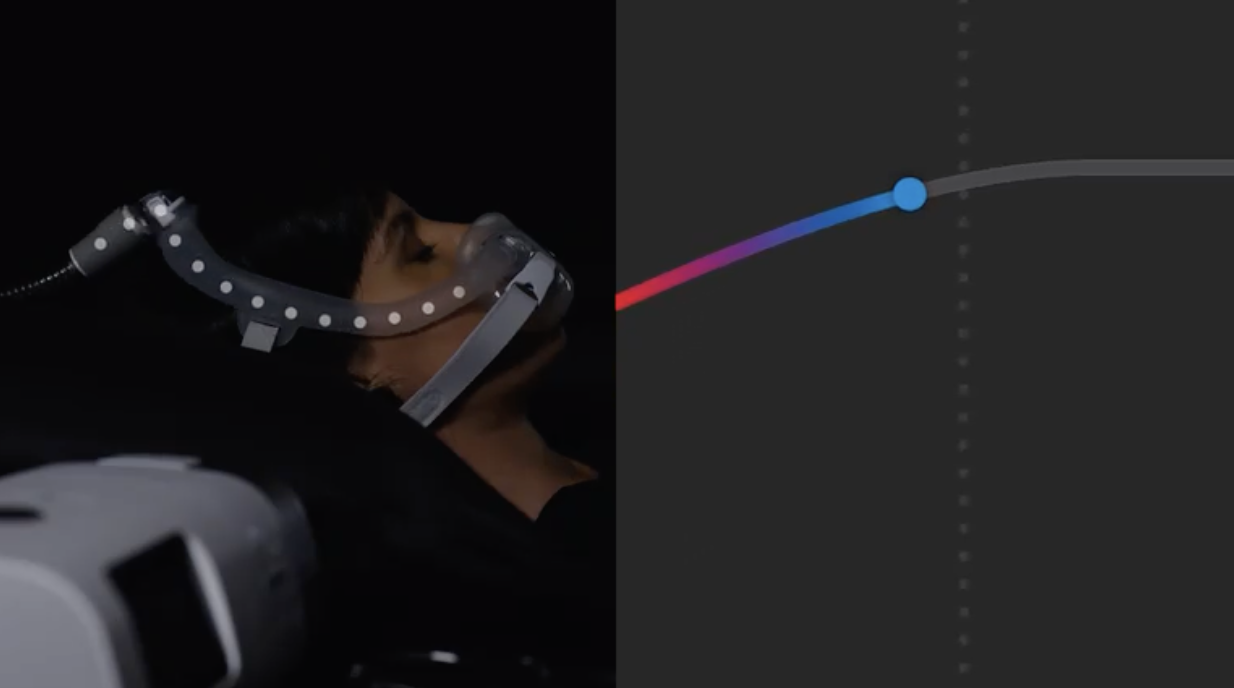
Maximize your comfort with Ramp control
Maximise your comfort with ramp control
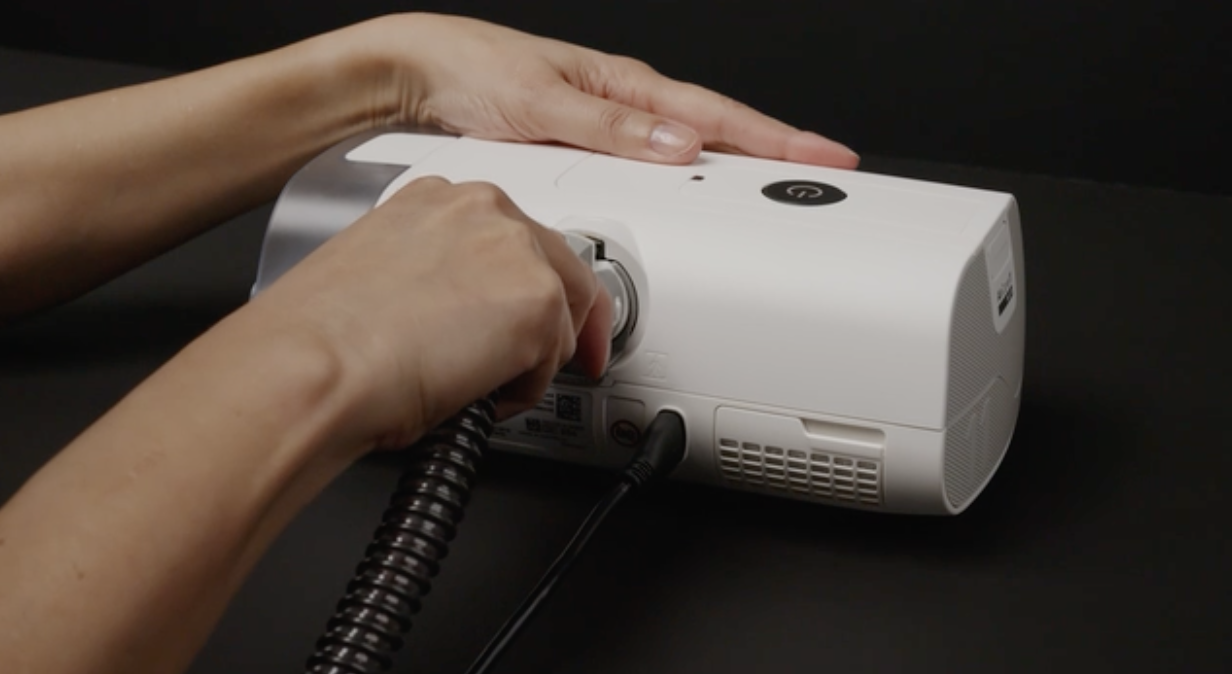
Cleaning and caring for your machine

Step-by-step guide

Find your mask size

Disassemble your mask

  1. Pull the cushion out from both ends of the frame.
  2. To remove the QuietAir vent, gently peel the cushion away and slide the vent out.
  3. Undo the fastening tabs on the headgear and pull the headgear away from the frame.
  4. After detaching the headgear, close the fastening tabs to prevent them from damaging the fabric sleeves when handling.
  5. Squeeze the side buttons on the elbow and detach from the frame. Now you've disassembled your mask, you're ready to start cleaning it.

Daily cleaning

  1. The two components that should be cleaned daily are your cushion and the QuietAir vent.
  2. Soak the components in warm water with a mild liquid detergent.
  3. Hand wash the QuietAir vent with a soft bristle brush. Pay particular attention to the vent holes.
  4. For the AirTouch N30i cushion, hand wash only (without bristle brush).
  5. Thoroughly rinse the components under running water.
  6. Squeeze the fabric cushion with a clean towel to remove excess water.
  7. Shake the QuietAir vent to remove any excess water. Leave them to air dry out of direct sunlight.

Weekly cleaning

  1. The three components that should be cleaned weekly are your frame, headgear and elbow.
  2. Soak the components in warm water with a mild liquid detergent.
  3. Handwash the components with a soft bristle brush.
  4. Thoroughly rinse the components under running water.
  5. Squeeze the headgear out and fabric frame with a clean towel to remove excess water. Leave them to air dry out of direct sunlight.

Reassemble your mask

  1. If the elbow ring was detached at any point, simply reinsert it into the top of the frame.
  2. Connect the elbow into the top of the frame. You should hear a click when its securely attached.
  3. With the Resmed logo on the headgear facing up, insert both straps of the headgear into the frame from the inside and fold the fastening tabs to over to secure.
  4. Insert the vent into the cushion by aligning the tab on the cushion with a notch on the vent.
  5. Gently pull the cushion over the vent. Connect the ends of the frame with a cushion ensuring the arrows on the cushion and frame are aligned.
Fit your mask

Disassemble your mask

  1. Pull the cushion out from both ends of the frame.
  2. To remove the QuietAir vent, gently peel the cushion away and slide the vent out.
  3. Undo the fastening tabs on the headgear and pull the headgear away from the frame.
  4. After detaching the headgear, close the fastening tabs to prevent them from damaging the fabric sleeves when handling.
  5. Squeeze the side buttons on the elbow and detach from the frame. Now you've disassembled your mask, you're ready to start cleaning it.

Daily cleaning

  1. The two components that should be cleaned daily are your cushion and the QuietAir vent.
  2. Soak the components in warm water with a mild liquid detergent.
  3. Hand wash the QuietAir vent with a soft bristle brush. Pay particular attention to the vent holes.
  4. For the AirTouch N30i cushion, hand wash only (without bristle brush).
  5. Thoroughly rinse the components under running water.
  6. Squeeze the fabric cushion with a clean towel to remove excess water.
  7. Shake the QuietAir vent to remove any excess water. Leave them to air dry out of direct sunlight.

Weekly cleaning

  1. The three components that should be cleaned weekly are your frame, headgear and elbow.
  2. Soak the components in warm water with a mild liquid detergent.
  3. Handwash the components with a soft bristle brush.
  4. Thoroughly rinse the components under running water.
  5. Squeeze the headgear out and fabric frame with a clean towel to remove excess water. Leave them to air dry out of direct sunlight.

Reassemble your mask

  1. If the elbow ring was detached at any point, simply reinsert it into the top of the frame.
  2. Connect the elbow into the top of the frame. You should hear a click when its securely attached.
  3. With the Resmed logo on the headgear facing up, insert both straps of the headgear into the frame from the inside and fold the fastening tabs to over to secure.
  4. Insert the vent into the cushion by aligning the tab on the cushion with a notch on the vent.
  5. Gently pull the cushion over the vent. Connect the ends of the frame with a cushion ensuring the arrows on the cushion and frame are aligned.
Disassemble, clean & reassemble

Disassemble your mask

  1. Pull the cushion out from both ends of the frame.
  2. To remove the QuietAir vent, gently peel the cushion away and slide the vent out.
  3. Undo the fastening tabs on the headgear and pull the headgear away from the frame.
  4. After detaching the headgear, close the fastening tabs to prevent them from damaging the fabric sleeves when handling.
  5. Squeeze the side buttons on the elbow and detach from the frame. Now you've disassembled your mask, you're ready to start cleaning it.

Daily cleaning

  1. The two components that should be cleaned daily are your cushion and the QuietAir vent.
  2. Soak the components in warm water with a mild liquid detergent.
  3. Hand wash the QuietAir vent with a soft bristle brush. Pay particular attention to the vent holes.
  4. For the AirTouch N30i cushion, hand wash only (without bristle brush).
  5. Thoroughly rinse the components under running water.
  6. Squeeze the fabric cushion with a clean towel to remove excess water.
  7. Shake the QuietAir vent to remove any excess water. Leave them to air dry out of direct sunlight.

Weekly cleaning

  1. The three components that should be cleaned weekly are your frame, headgear and elbow.
  2. Soak the components in warm water with a mild liquid detergent.
  3. Handwash the components with a soft bristle brush.
  4. Thoroughly rinse the components under running water.
  5. Squeeze the headgear out and fabric frame with a clean towel to remove excess water. Leave them to air dry out of direct sunlight.

Reassemble your mask

  1. If the elbow ring was detached at any point, simply reinsert it into the top of the frame.
  2. Connect the elbow into the top of the frame. You should hear a click when its securely attached.
  3. With the Resmed logo on the headgear facing up, insert both straps of the headgear into the frame from the inside and fold the fastening tabs to over to secure.
  4. Insert the vent into the cushion by aligning the tab on the cushion with a notch on the vent.
  5. Gently pull the cushion over the vent. Connect the ends of the frame with a cushion ensuring the arrows on the cushion and frame are aligned.
Mask seal and comfort

Disassemble your mask

  1. Pull the cushion out from both ends of the frame.
  2. To remove the QuietAir vent, gently peel the cushion away and slide the vent out.
  3. Undo the fastening tabs on the headgear and pull the headgear away from the frame.
  4. After detaching the headgear, close the fastening tabs to prevent them from damaging the fabric sleeves when handling.
  5. Squeeze the side buttons on the elbow and detach from the frame. Now you've disassembled your mask, you're ready to start cleaning it.

Daily cleaning

  1. The two components that should be cleaned daily are your cushion and the QuietAir vent.
  2. Soak the components in warm water with a mild liquid detergent.
  3. Hand wash the QuietAir vent with a soft bristle brush. Pay particular attention to the vent holes.
  4. For the AirTouch N30i cushion, hand wash only (without bristle brush).
  5. Thoroughly rinse the components under running water.
  6. Squeeze the fabric cushion with a clean towel to remove excess water.
  7. Shake the QuietAir vent to remove any excess water. Leave them to air dry out of direct sunlight.

Weekly cleaning

  1. The three components that should be cleaned weekly are your frame, headgear and elbow.
  2. Soak the components in warm water with a mild liquid detergent.
  3. Handwash the components with a soft bristle brush.
  4. Thoroughly rinse the components under running water.
  5. Squeeze the headgear out and fabric frame with a clean towel to remove excess water. Leave them to air dry out of direct sunlight.

Reassemble your mask

  1. If the elbow ring was detached at any point, simply reinsert it into the top of the frame.
  2. Connect the elbow into the top of the frame. You should hear a click when its securely attached.
  3. With the Resmed logo on the headgear facing up, insert both straps of the headgear into the frame from the inside and fold the fastening tabs to over to secure.
  4. Insert the vent into the cushion by aligning the tab on the cushion with a notch on the vent.
  5. Gently pull the cushion over the vent. Connect the ends of the frame with a cushion ensuring the arrows on the cushion and frame are aligned.

30-Day Money Back Guarantee

We're so sure your customers will love our AirSense 11 device that we're offering a 30-day money back guarantee if they're not completely satisfied.

Ordering information

phone
Phone

Australia: 1800991900
New Zealand: 0800 737 633

Online-store
Online store